- Lorgar /
- LORGAR PLATFORM
STATISTICALLY ENHANCED GAMING
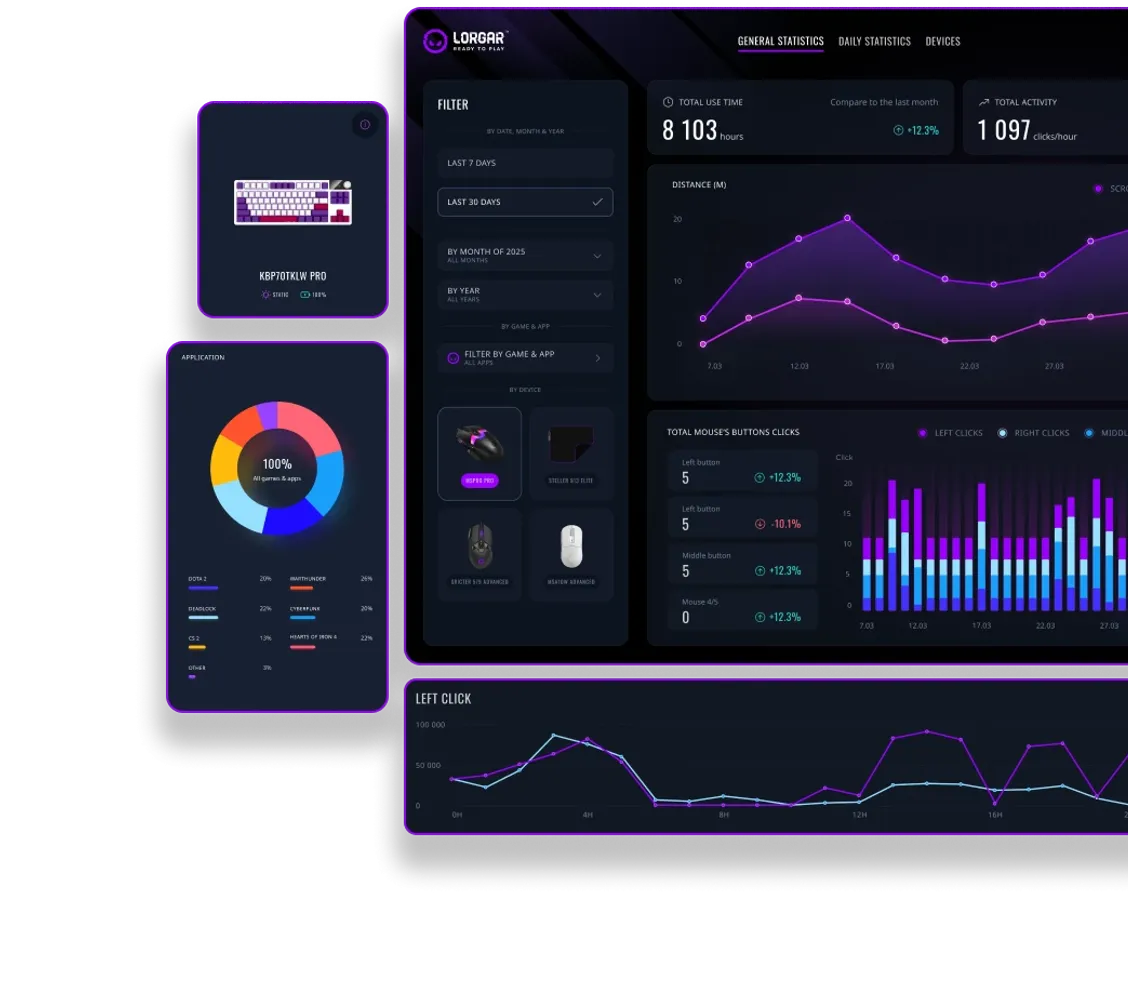
Level up with data-driven insights. LORGAR PLATFORM tracks your performance, providing personalized analytics to sharpen your skills and conquer the game.
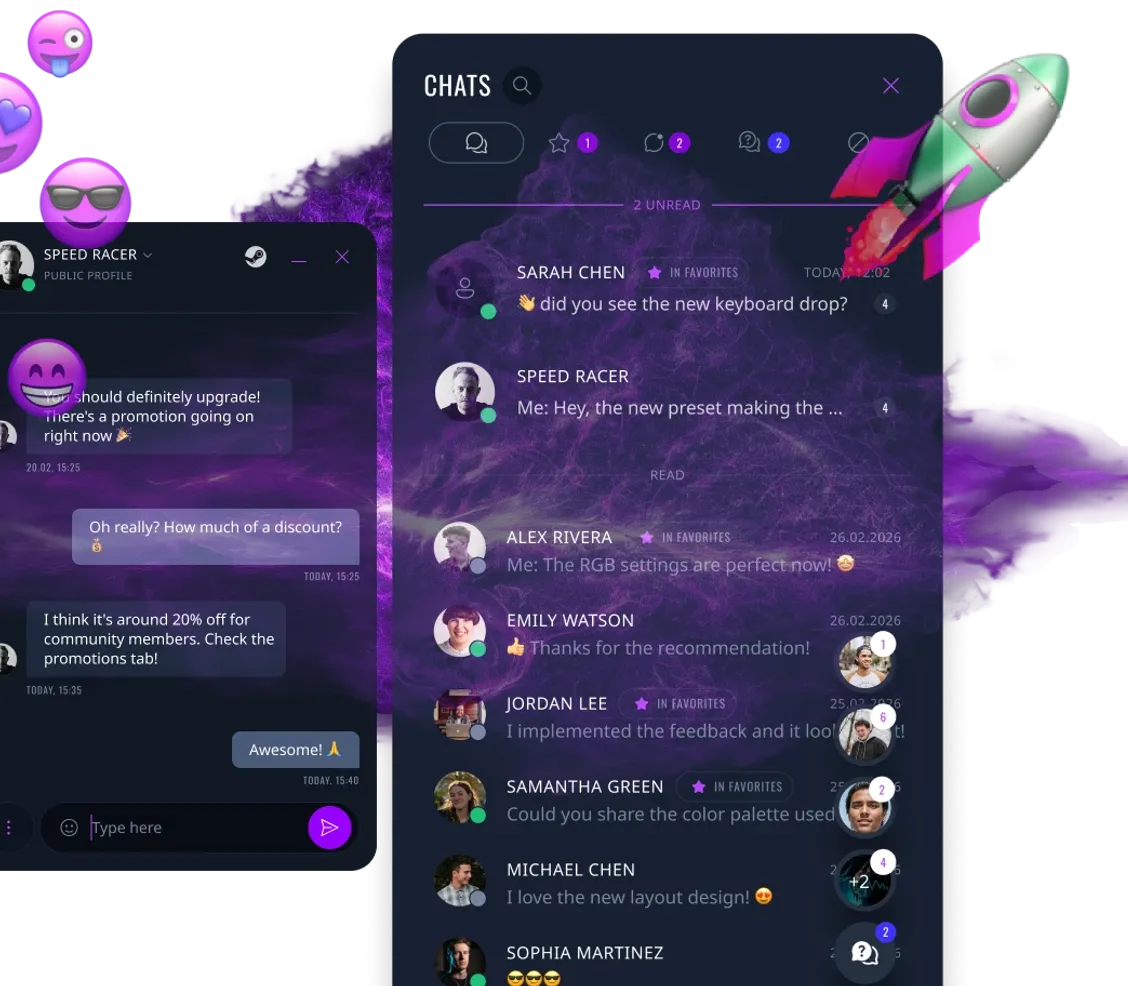
LORGAR CHAT IS LIVE
Connect with players instantly. Build your gaming circle. Jump into real conversations with gamers like you. Share ideas, react and stay connected — all inside LORGAR PLATFORM.
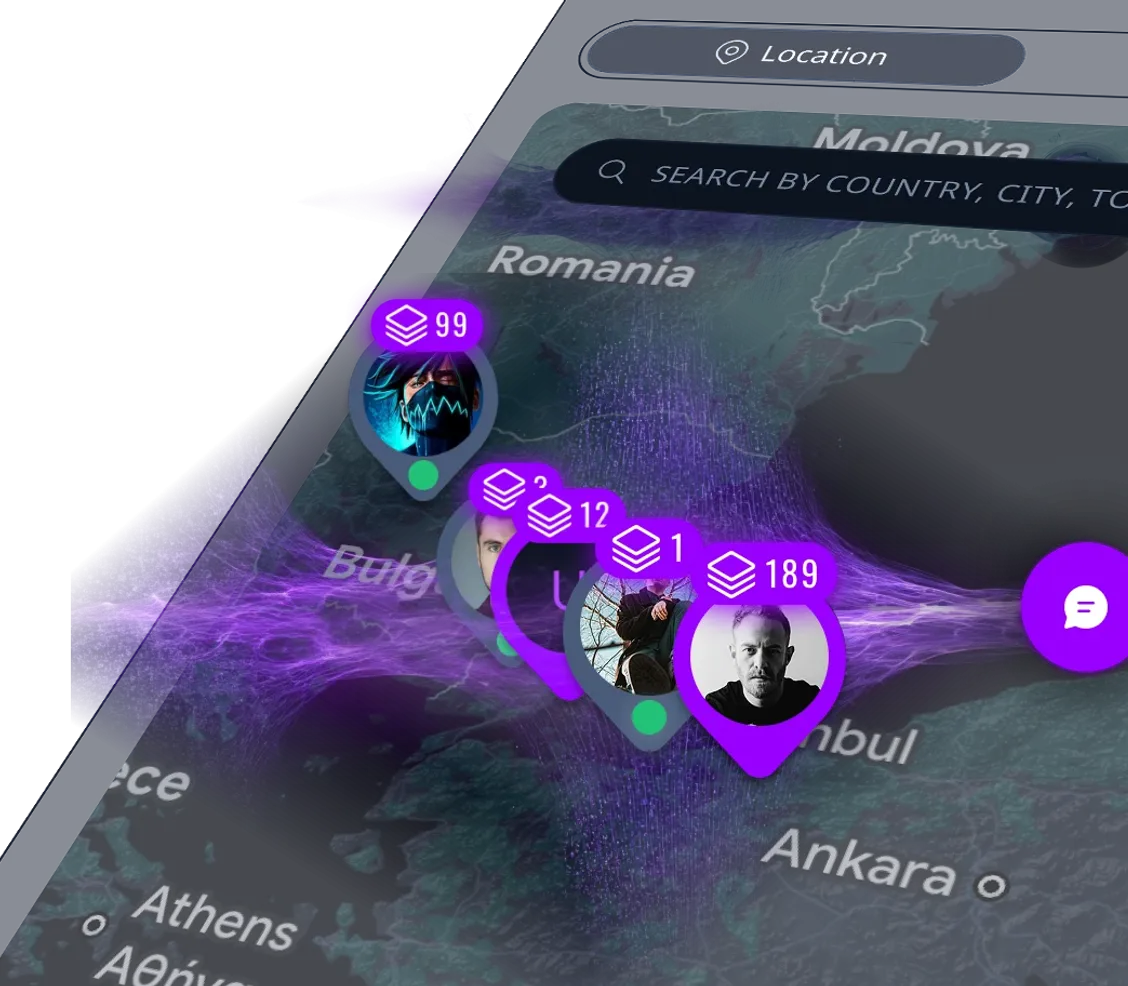
FRIENDS NEXT TO YOU!
Now you can find and chat with people from your country, your region and make friends next to you! More friends, more gamers, stronger teams! Select on the map and find people and what they play on, what they play and play together! You are together, we are together!
LATEST UPDATES
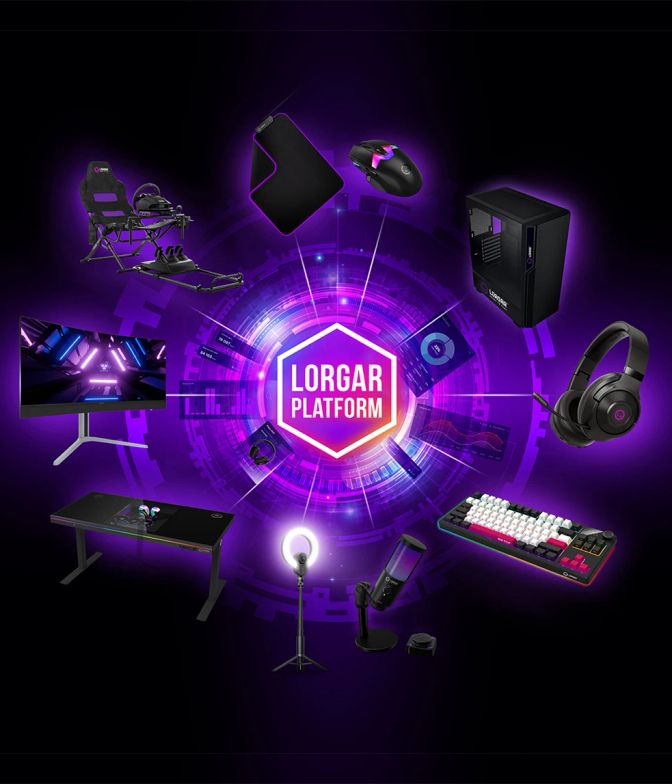
ALL YOUR WEAPONS IN ONE PLACE
![COMMUNITY CHAT [BETA]](https://prod-cdn.prod.asbis.io/s3size/el:t/h:689/rt:fill/w:894/plain/s3://cms/static-pages/17/22/1722b2eb7babd762cee3ee1f5f777dbc/1_1.webp)
COMMUNITY CHAT [BETA]
We’re opening beta access to Community Chat - a new space for communication within the LORGAR community. Members can now chat with each other, share their experience, look for teammates, team up for games, and stay connected with people who truly share their interests. Finding the right players is now even easier: choose by region, device, game, and online status. To make this possible, we’ve added an interactive map and new filters that help you quickly find exactly the people you want to play and connect with.

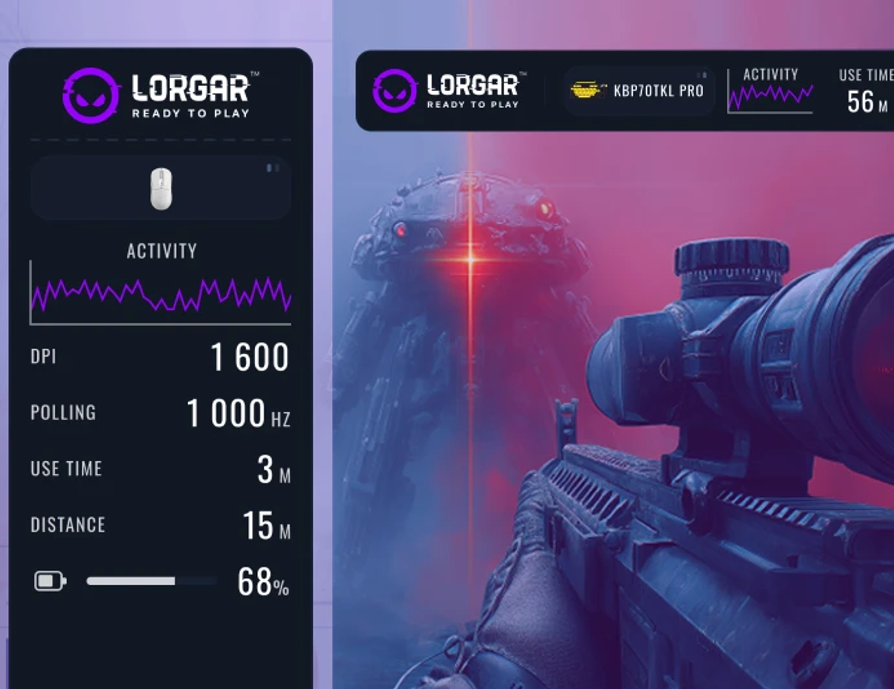
DEVICE GAMING STATS OVERLAY DURING A MATCH
What matters most is now always right in front of you. Activate the overlay when creating a gaming preset and track key mouse and keyboard metrics directly on your screen while you play. Flexible customization lets you display only the metrics that really matter to you, while also choosing the most convenient position for them on your screen. For the overlay to work properly, use Borderless Window mode. What’s next? LORGAR PLATFORM is becoming more than just a platform — it’s a full-fledged gaming space where it’s easy to connect, find allies, and shape your gaming experience exactly the way you want it. Talk to each other, play with each other, win with each other!

PLUG & PLAY LIKE A PRO
With plug and play connection, easily connect your LORGAR devices to a computer without hassle. No need to mess with drivers and settings: plug in your device and start gaming immediately. Focus on the game, eyes on the prize.

BUTTON BINDINGS
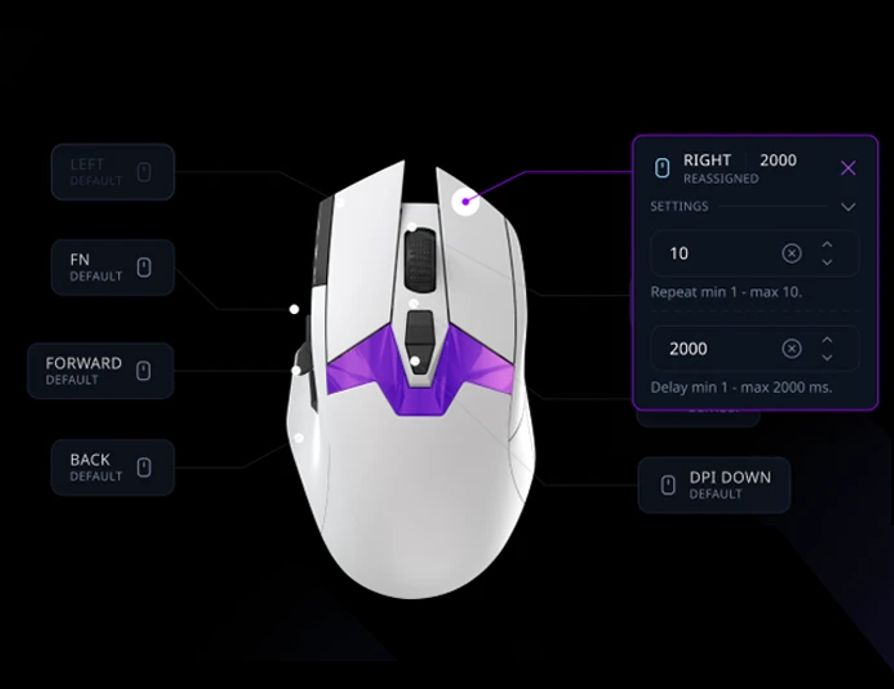
Assign functions or actions to any mouse button. For example, assign the «reload» action to the mouse wheel button. The game will interpret it as if you pressed the reload key on your keyboard.

MACROS CREATION AND EDITING
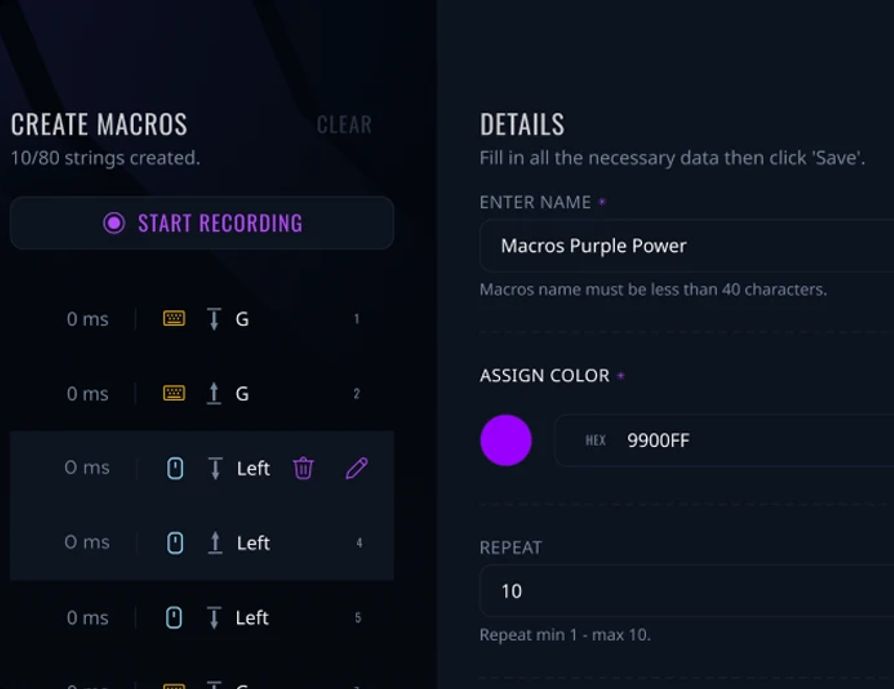
Set up sequences of multiple actions, keystrokes, and delays. With one click of your mouse, you can switch to your secondary weapon, fire, and switch back to your primary weapon.

PRESET SHARING
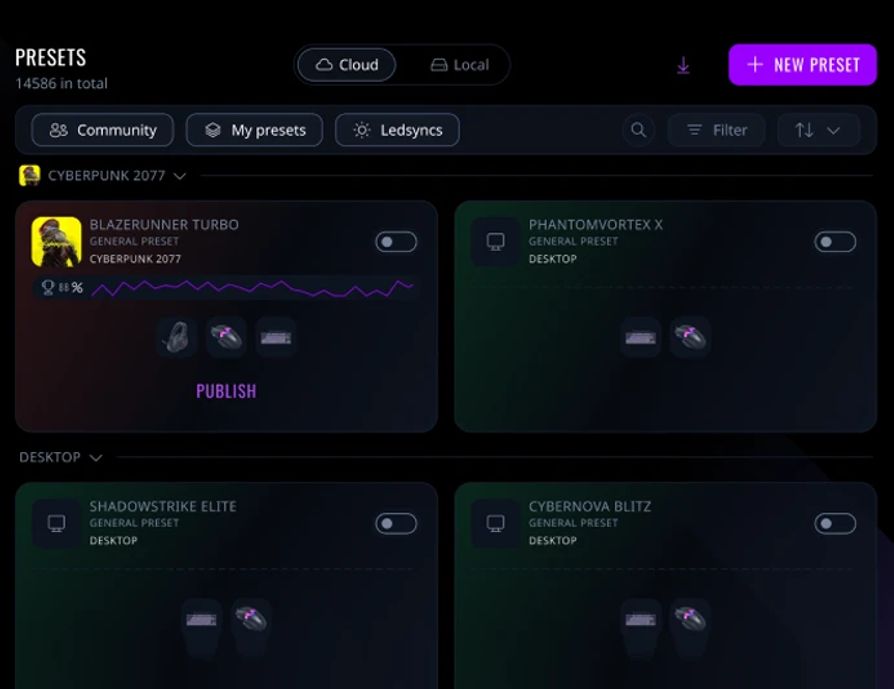
Save your settings and share them with other players.

COLOR SCHEME SETUP
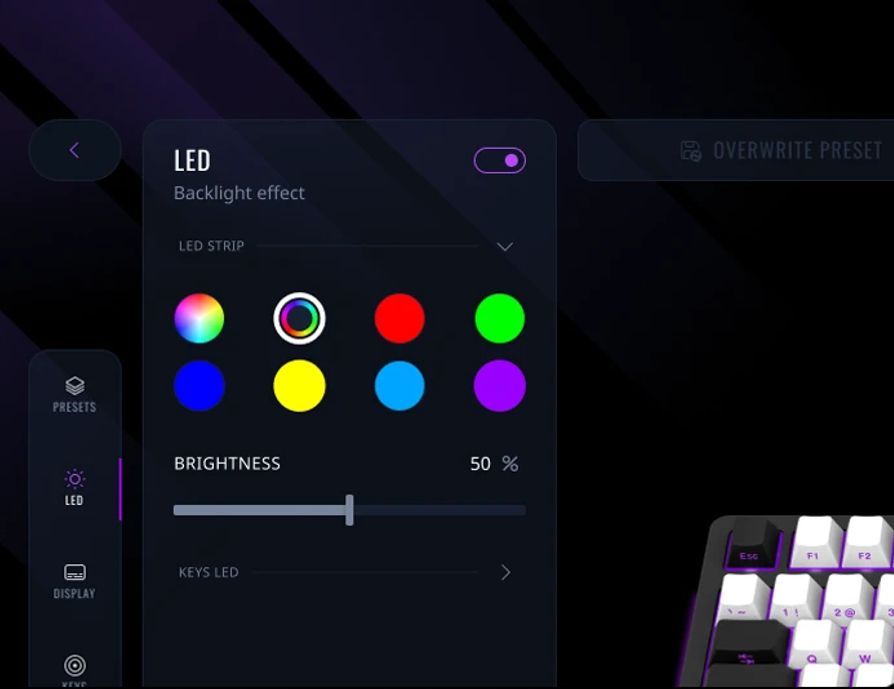
Adjust the backlight, choose your favorite color profile, or sync lighting across all your devices. Dominate the competition with flying colors.

STATISTICS AND ANALYTICS
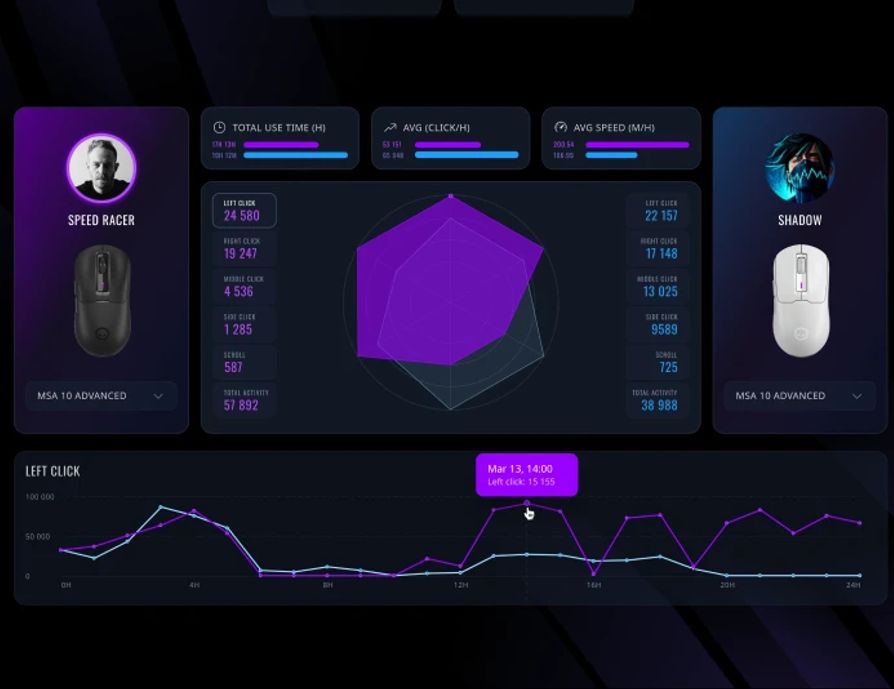
Track your performance with personalized analytics. Watch and compare your stats from game to game to refine your gameplay.

COMPATIBLE DEVICES
- Gaming Monitors: 34MP1 & 27MP1
- Gaming Mice: Jetter 357, Stricter 579, MSA10, MSA10W, MSP80, MSE90W
- Gaming Keyboards: Azar 514, Azar 514TKL, KBP70TKLW, KBP7075W, KBP70MW
- Gaming Headsets: Kaya 460 & Noah 702
- Gaming Mouse pads: Steller 913 & Steller 919
- Gaming Webcams: Rapax 701 & Circulus 910
- Gaming Microphone: SMP40 Pro
- Gaming Desks: DP80
Personal statistics and analytics
NEXT-LEVEL PERSONALIZATION
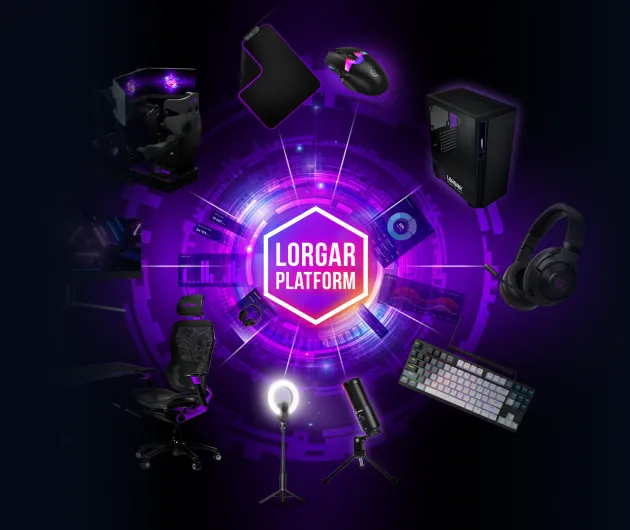
Take full control of your gaming setup with the all-in-one powerful software suite.