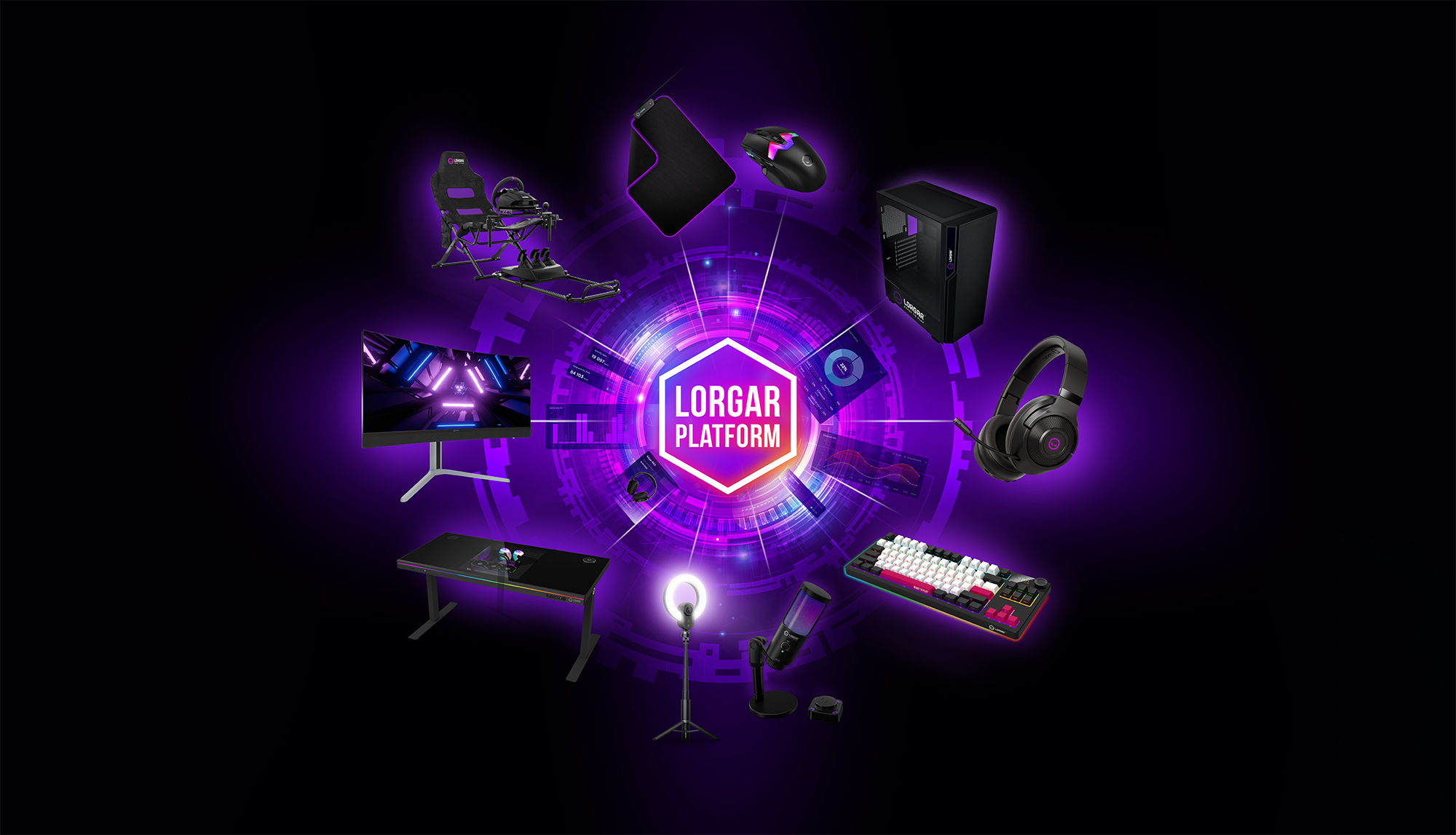
We are happy to introduce a major update to LORGAR PLATFORM, focused on usability, personalization, connectivity, and ecosystem expansion. This release delivers a refreshed interface, new community capabilities, extended device support, and stability improvements to enhance your daily gaming experience.
Here’s a breakdown of what’s new and what’s improved in version 3.9.381 (Windows 64-bit)👇
🆕 New Features
Games: Redesigned interface and improved preset workflow.
The Games section has been fully redesigned to make navigation clearer and more intuitive. Preset publishing to Community is now handled through a dedicated form, helping other users better understand the purpose and functionality of shared presets. The logic of several preset functions has been optimized, and automatic detection of installed games across gaming platforms has been improved.
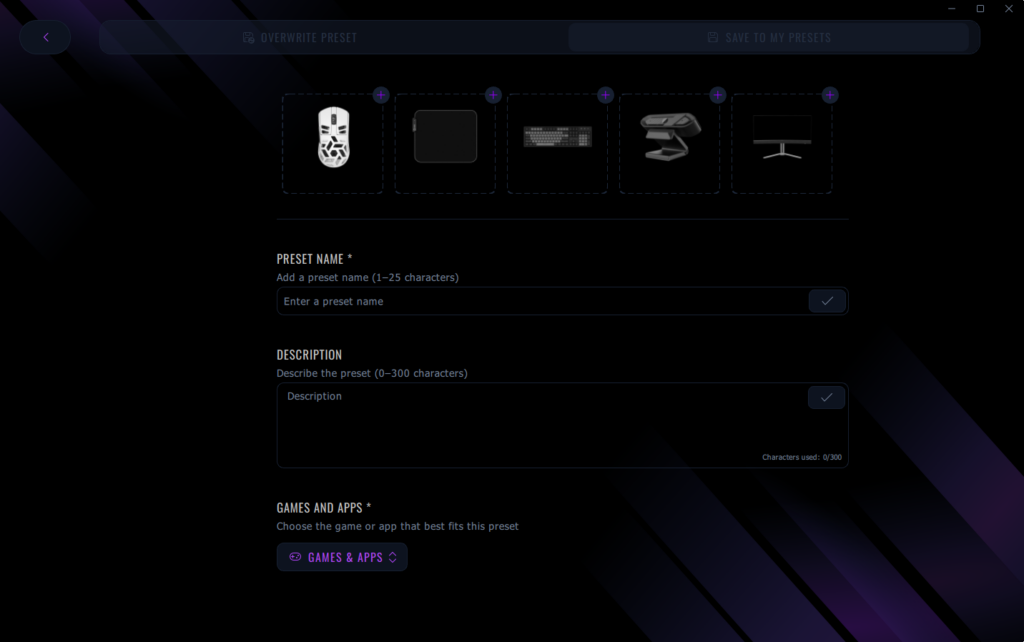
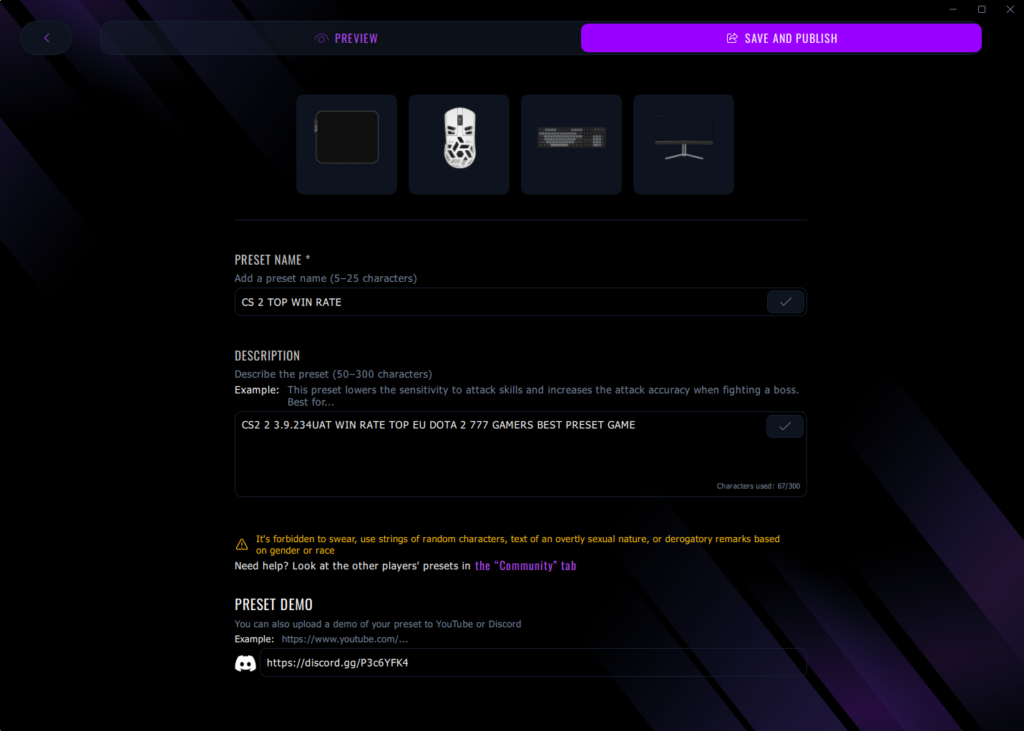
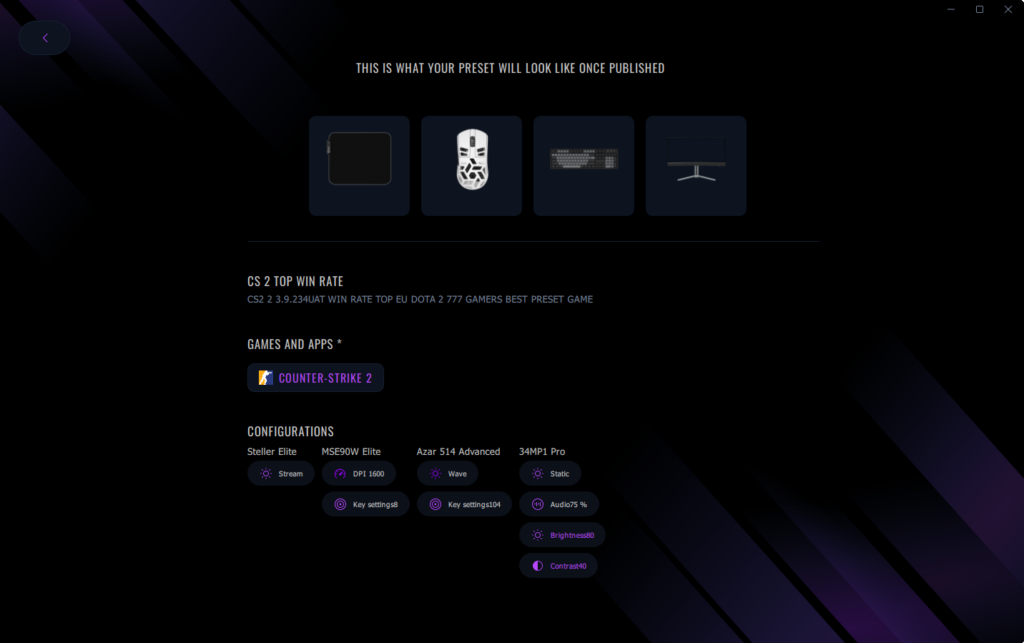
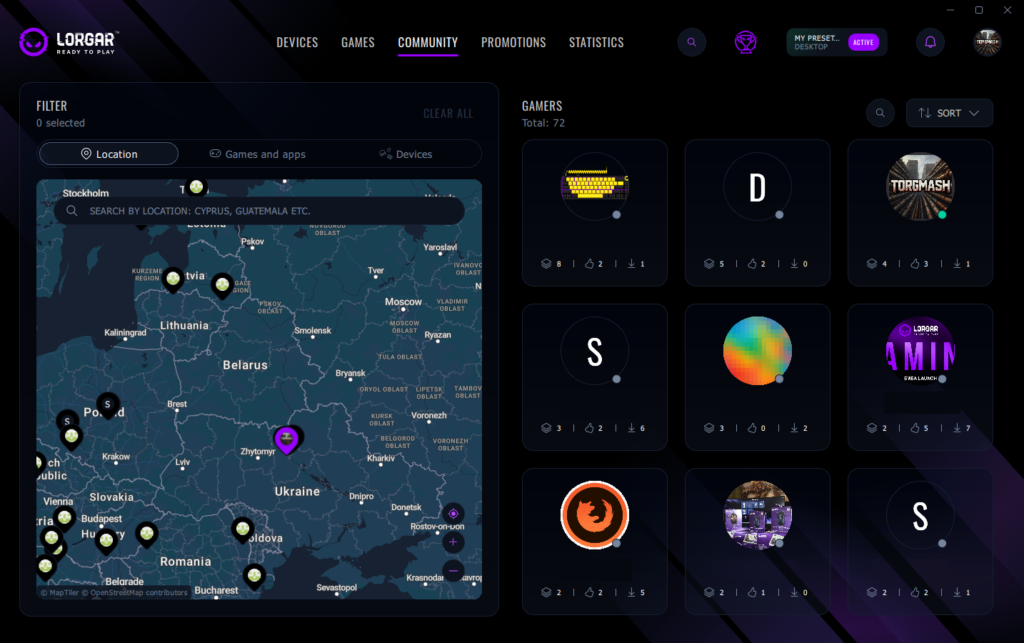
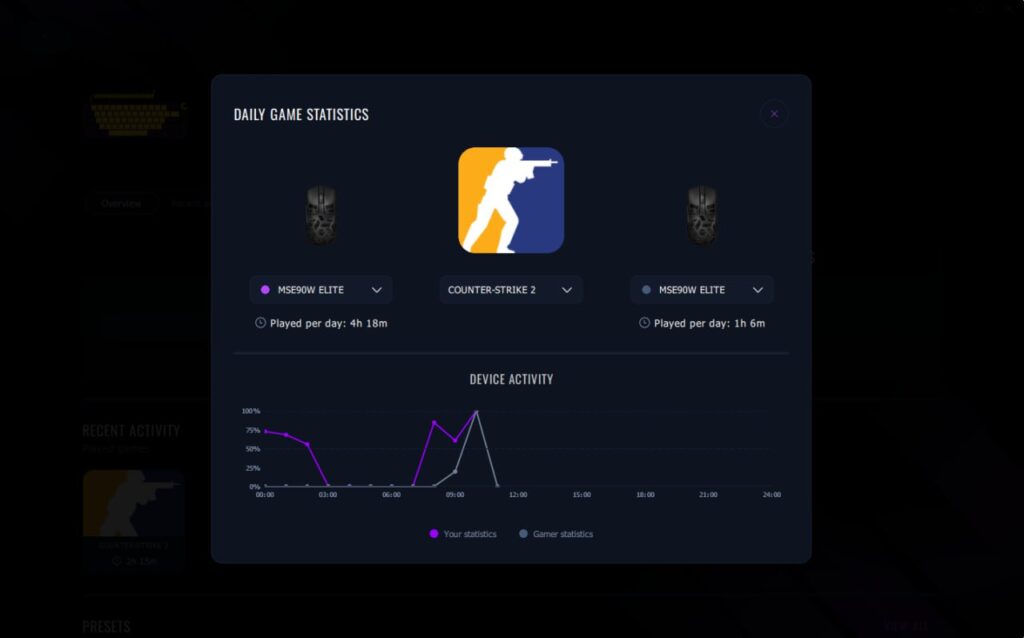
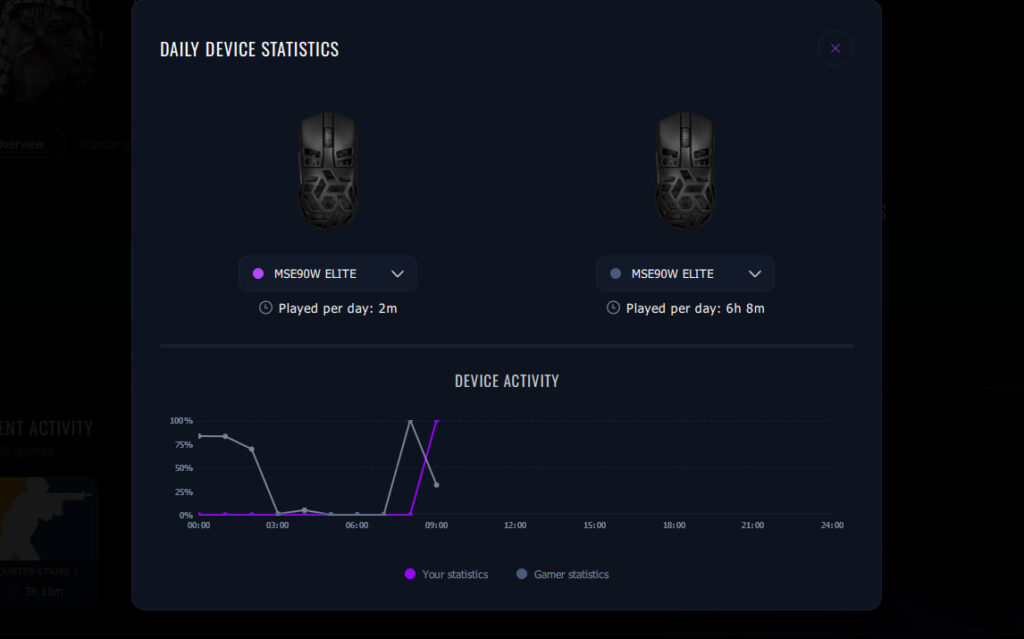
Community: New design with interactive user map and statistics comparison.
The Community section now features a refreshed interface and new interaction tools. An interactive world map allows you to discover LORGAR PLATFORM users by region and explore their gaming preferences. You can also compare your daily game and device statistics with selected users. Online and offline status visibility has been added so users can see when each other is active in the app.
Email subscriptions: In-app opt-in for promotional updates.
Users can now subscribe to email notifications directly in the application to receive information about promotions, discount offers, promo codes, and giveaways. Subscription preferences can be managed at any time.

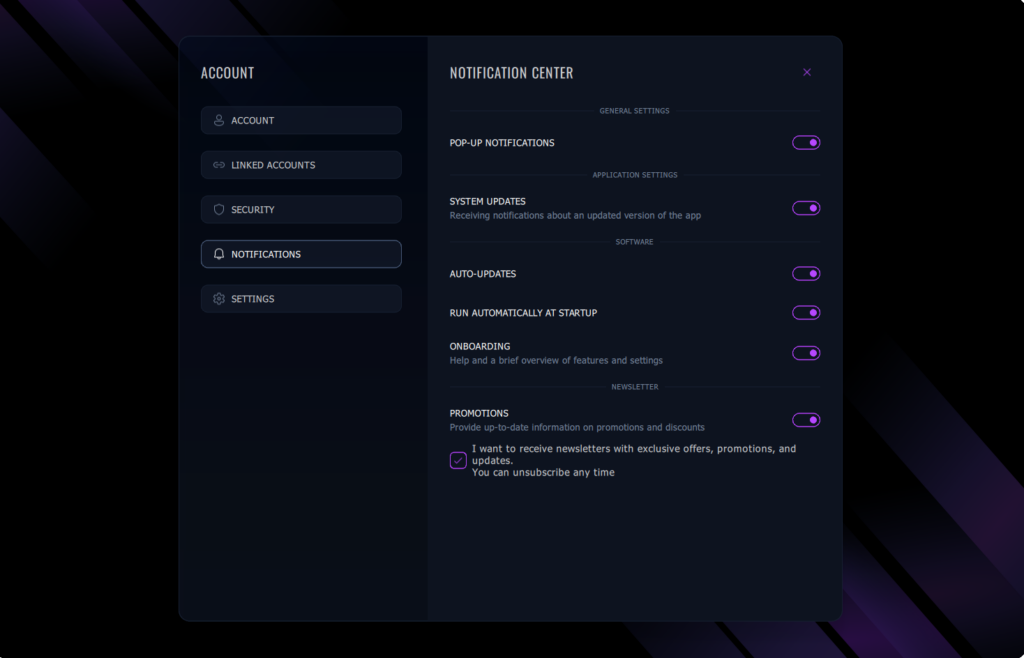
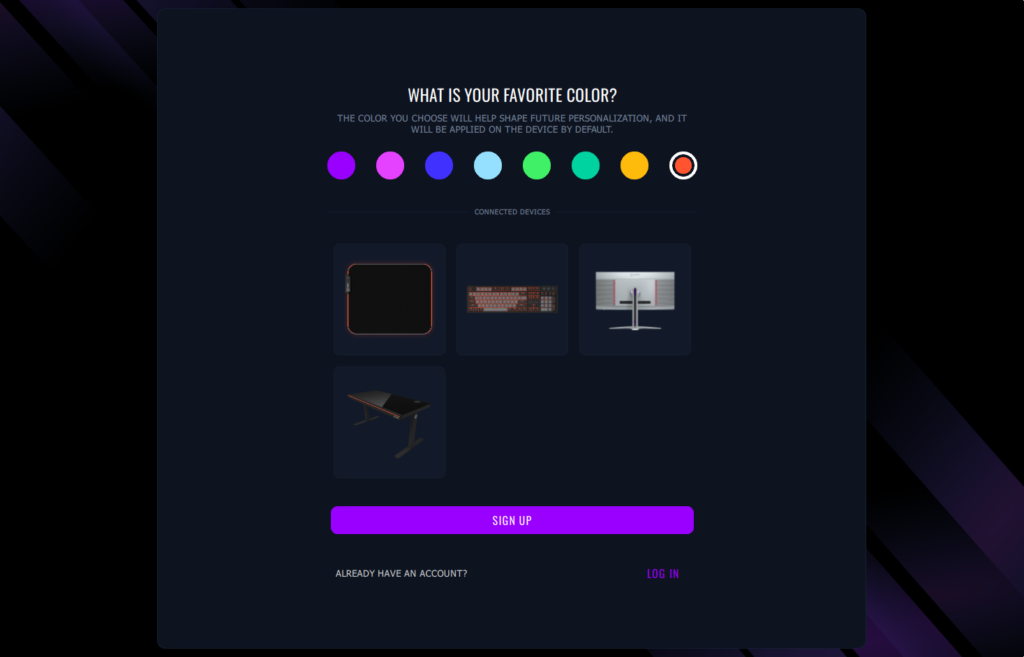
Accent color selection: Personalized lighting and interface preferences.
You can now select your preferred accent color during account creation or in account settings. The selected color is applied as the default across connected devices and helps personalize future recommendations and offers.
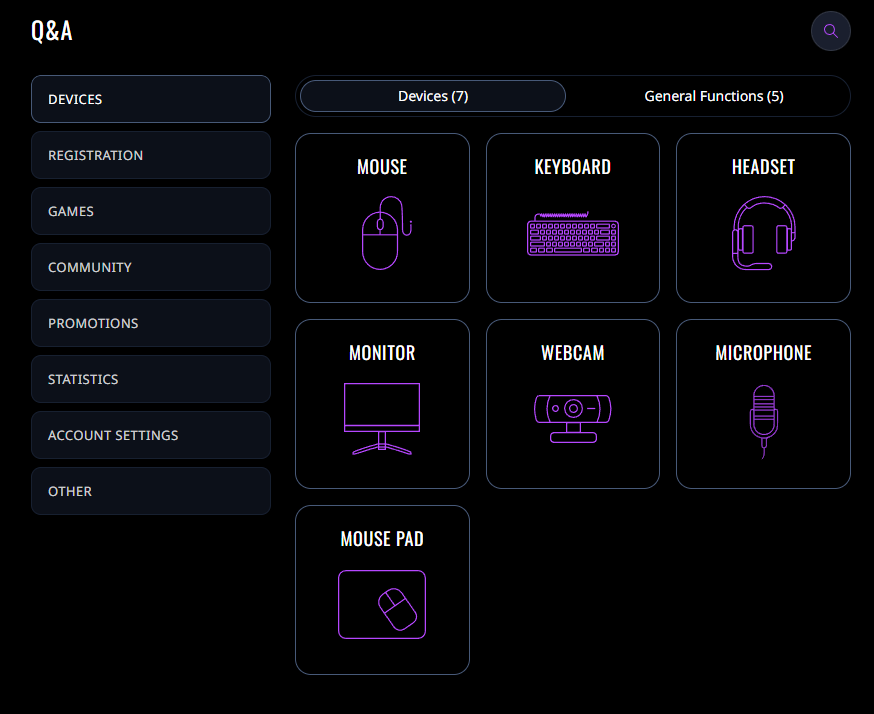
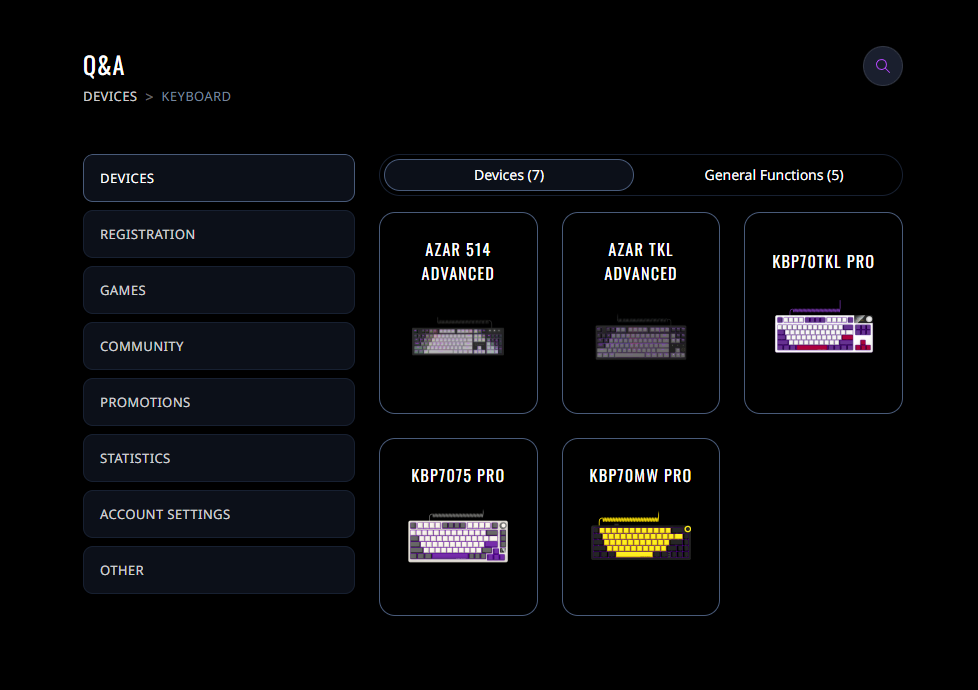
FAQ section: Centralized access to common questions.
A new FAQ section has been added to provide clear answers to frequently asked questions and improve understanding of device functionality and platform features.
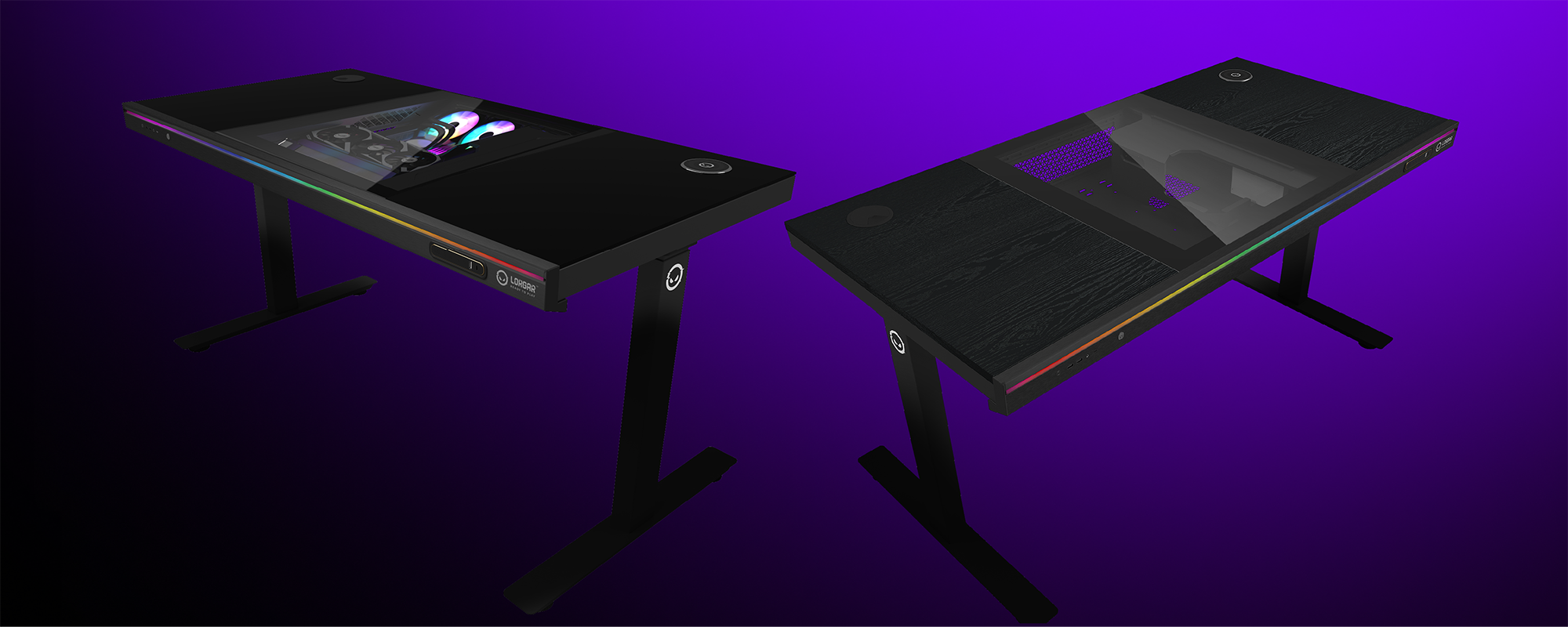
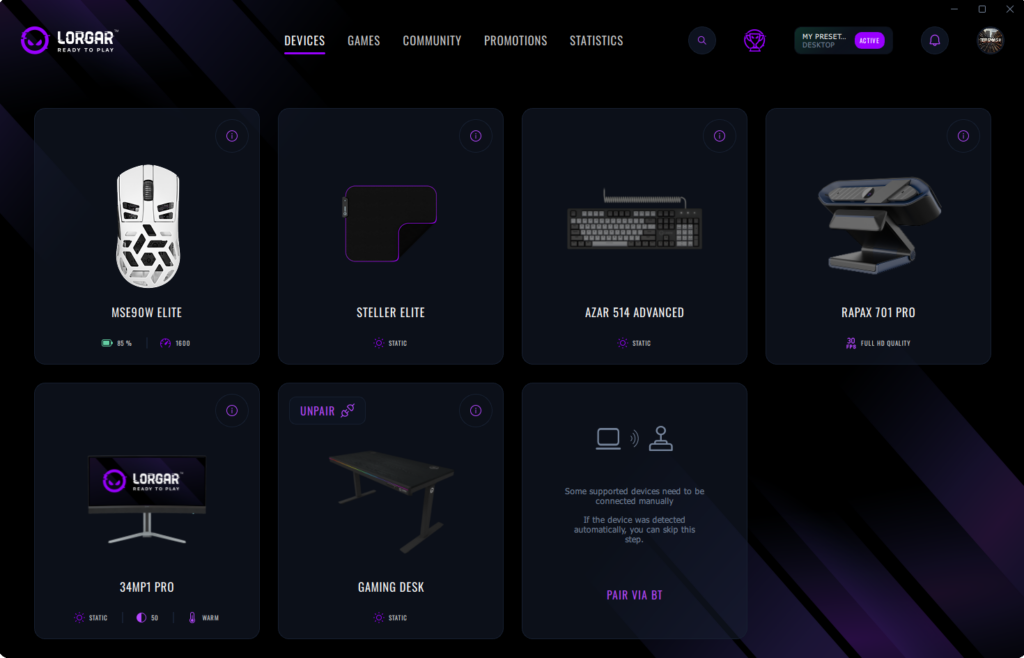
RGB Gaming Desk support: New device integration.
Support for the RGB Gaming Desk has been added, allowing the device to be connected and managed directly within the LORGAR PLATFORM ecosystem.

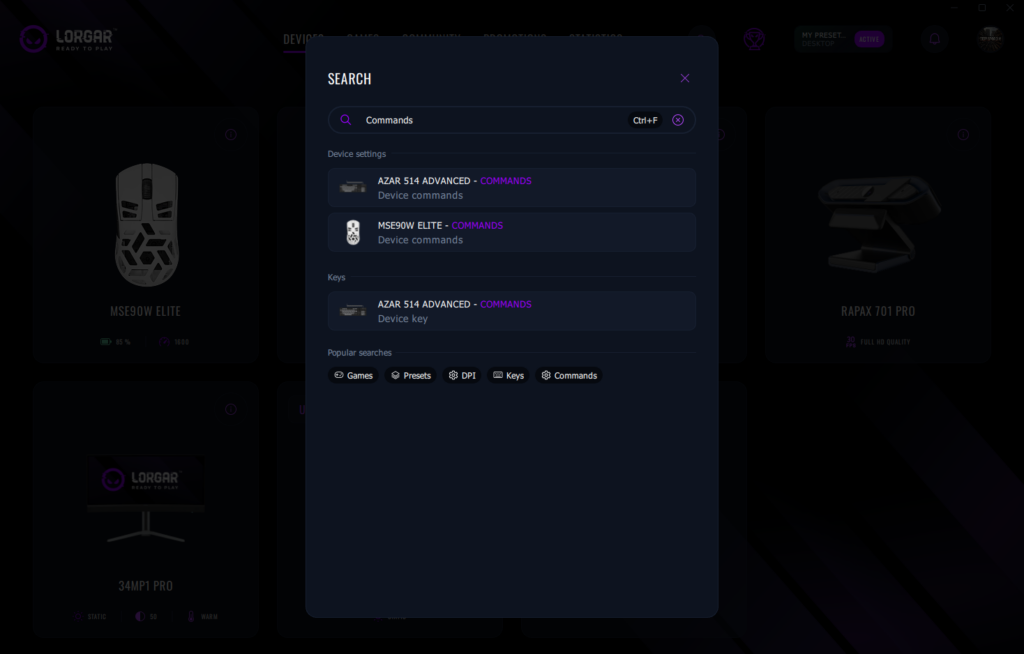
Global Search: Unified search across settings and features.
A global search function enables faster access to settings and platform features through a single search field.
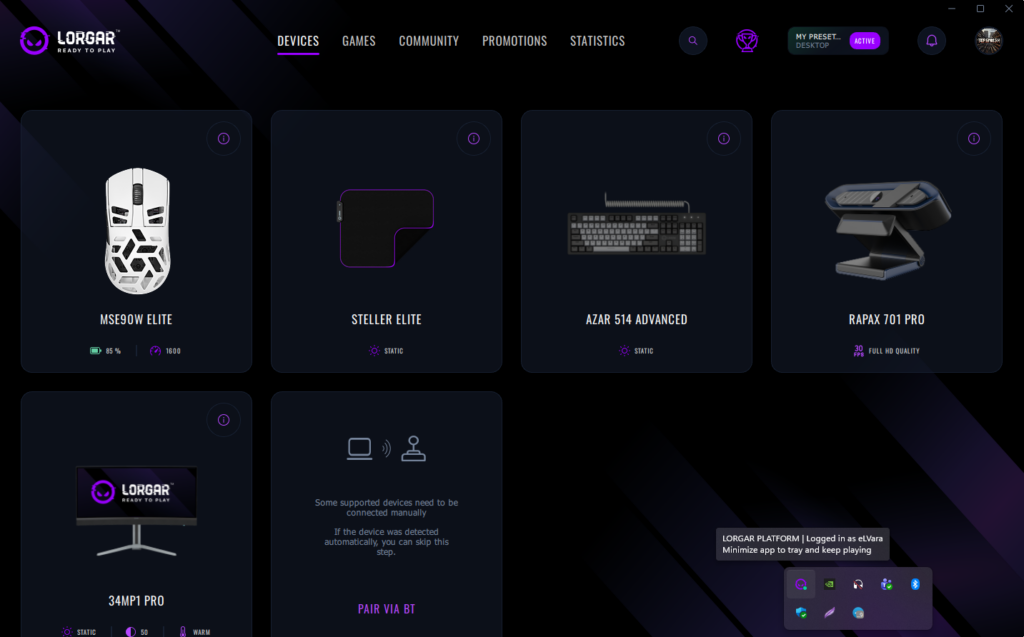
System tray status: Quick visibility of login state.
The application now displays login and logout status directly on the system tray icon, eliminating the need to open the app to check session status.
🛠️ Fixes and Improvements
Device detection: Improved recognition of connected devices.
Several issues related to detecting certain devices within the application have been resolved.
Audio control synchronization: Enhanced volume management for headsets and microphones.
Sound control issues have been fixed to ensure proper synchronization between system volume settings and connected audio devices.
Thank you for being part of the LORGAR community — and stay tuned for more exciting features coming soon!